

eFTI and the eFTI register
The eFTI data of your e-CMRs, the data check, access with codes, the authorisation register, archiving and statistics.
eFTI stands for electronic Freight Transport Information (EU Regulation 2020/1056). From 9 July 2027, authorities in the EU must accept freight data through certified eFTI platforms. INTEGALL already stores the data of your e-CMRs in the eFTI format.
Trips has two tabs: eFTI (the compliance centre) and eFTI register (who may do what).
eFTI: the compliance centre#
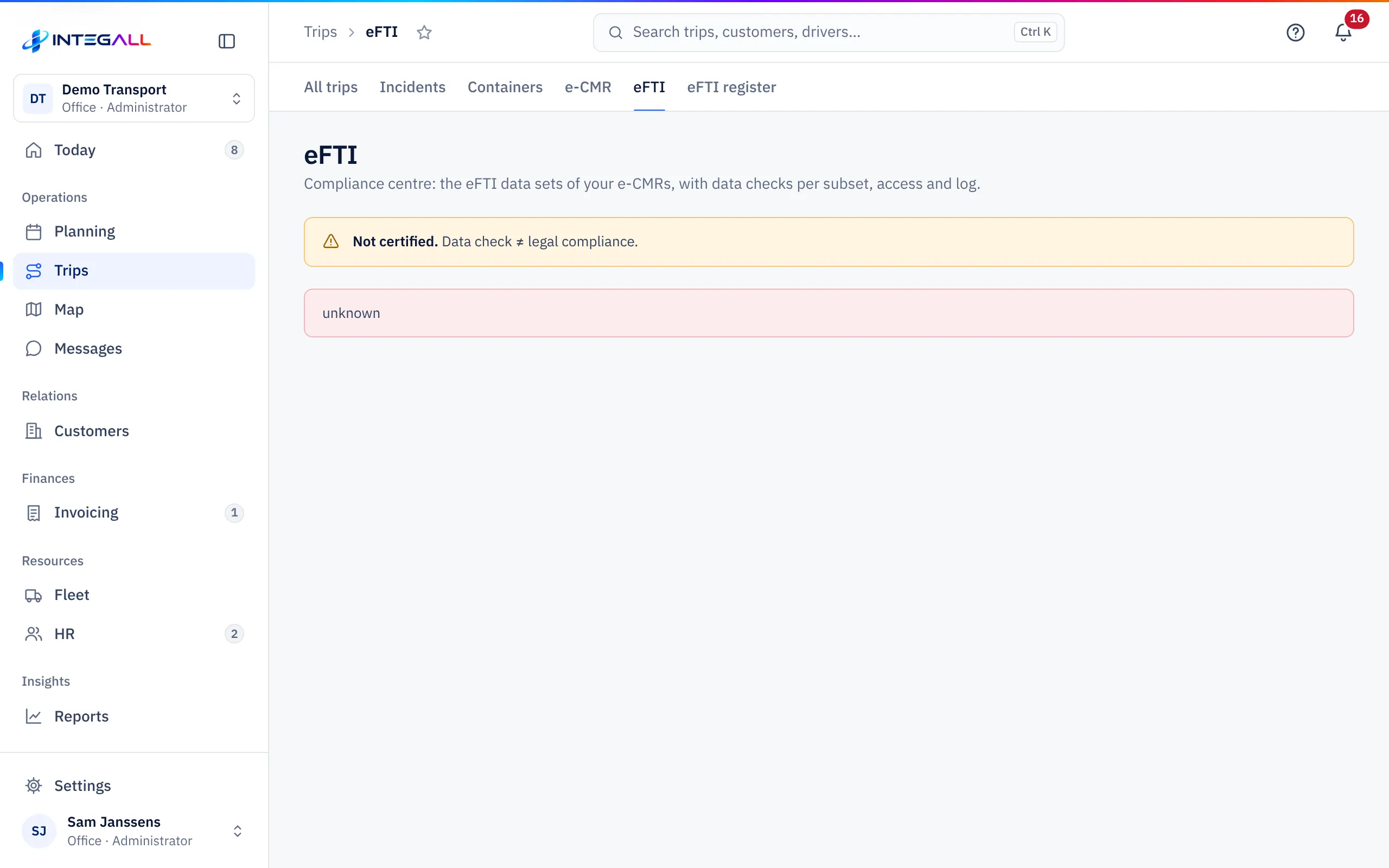
The compliance centre shows the eFTI data sets of your e-CMRs, with a data check per subset, access and log.
Status of the records#
Every e-CMR has an eFTI record (data set). You see how many records are in order and how many need attention:
- records with at least one required element missing;
- records with at least one element in a wrong format;
- e-CMRs without eFTI record.
Every record counts once, at its most serious point. Click a record to open the e-CMR and complete the missing field; this is only possible while the e-CMR is a draft.
Data check ≠ legal compliance. The check follows the eFTI subsets; business rules are mentioned, not enforced. Belgian national subsets are not checked yet.
Access with codes#
The fixed QR code on an e-CMR only shows a summary; the full consignment note needs a temporary code. You create codes in the e-CMR panel (e-CMR). The compliance centre shows Active inspection codes, Expired codes and Revoked codes, and the Access register (30 days). Every view is logged.
If you give an e-mail address with a code, the code only opens the consignment note after a one-time code sent to that address. This gives someone who does not work on INTEGALL a second factor.
UIL#
Every data set has a UIL (unique electronic identifying link). The UIL is created at the carrier's signature and stays the same during the whole life cycle. Download UIL (JSON) downloads it; the file itself gives no access to data. Every download is logged.
Share data with partners#
You can share an e-CMR with a partner (B2B), valid for at most 90 days and with at most 20 shares per e-CMR. Names of signatories are only shared if you explicitly tick the signatures group.
Automatic archiving#
With Switch on automatic archiving, data sets that have been ready to archive longer than the waiting time automatically get the status archived. Nothing is deleted; retention periods still apply. All owners and administrators get a notification for every change and after every run. Archiving cannot be undone.
Statistics#
Download statistics (12 months) creates monthly statistics from the logs.
Certification readiness#
The Certification readiness card shows per requirement how far INTEGALL is prepared. This is a readiness overview, not a certificate. Only an accredited conformity assessment body can certify.
eFTI register: who may do what#
The eFTI register is the authorisation register for eFTI data: who decides on behalf of the company, which rights every user has and which external systems may fetch data.
Primary authoriser#
The owner asks to be registered as Primary authoriser: the person who decides on the eFTI data on behalf of the company.
- Fill in the Capacity: representative according to the Belgian company register (KBO), power of attorney or electronic identity (eID).
- Fill in the Company number and a Contact (e-mail).
- Choose a supporting document. Your browser computes a fingerprint (SHA-256) of it; the file itself does not leave your computer.
- Choose Submit request.
The request is Pending until INTEGALL checks it; then it is Verified or Rejected.
User profiles#
Per user you record what they may do with eFTI data: create, edit, read, download, sign, share and archive, with a validity (Valid until (empty = unlimited)) and a Notify on access by an authority. A profile only restricts: without a profile the role's rights apply.
External systems (B2B)#
Systems that fetch data with a B2B key are registered with Register an external system, with a Responsible user and written statements that the system authenticates its users and controls who may see which data. A second owner or administrator approves (four eyes); approval is valid for one year. A system can be suspended.