

Messages and calls
Conversations with drivers, groups, colleagues and customers, announcements, voice messages, location, calls through the app and SOS alerts.
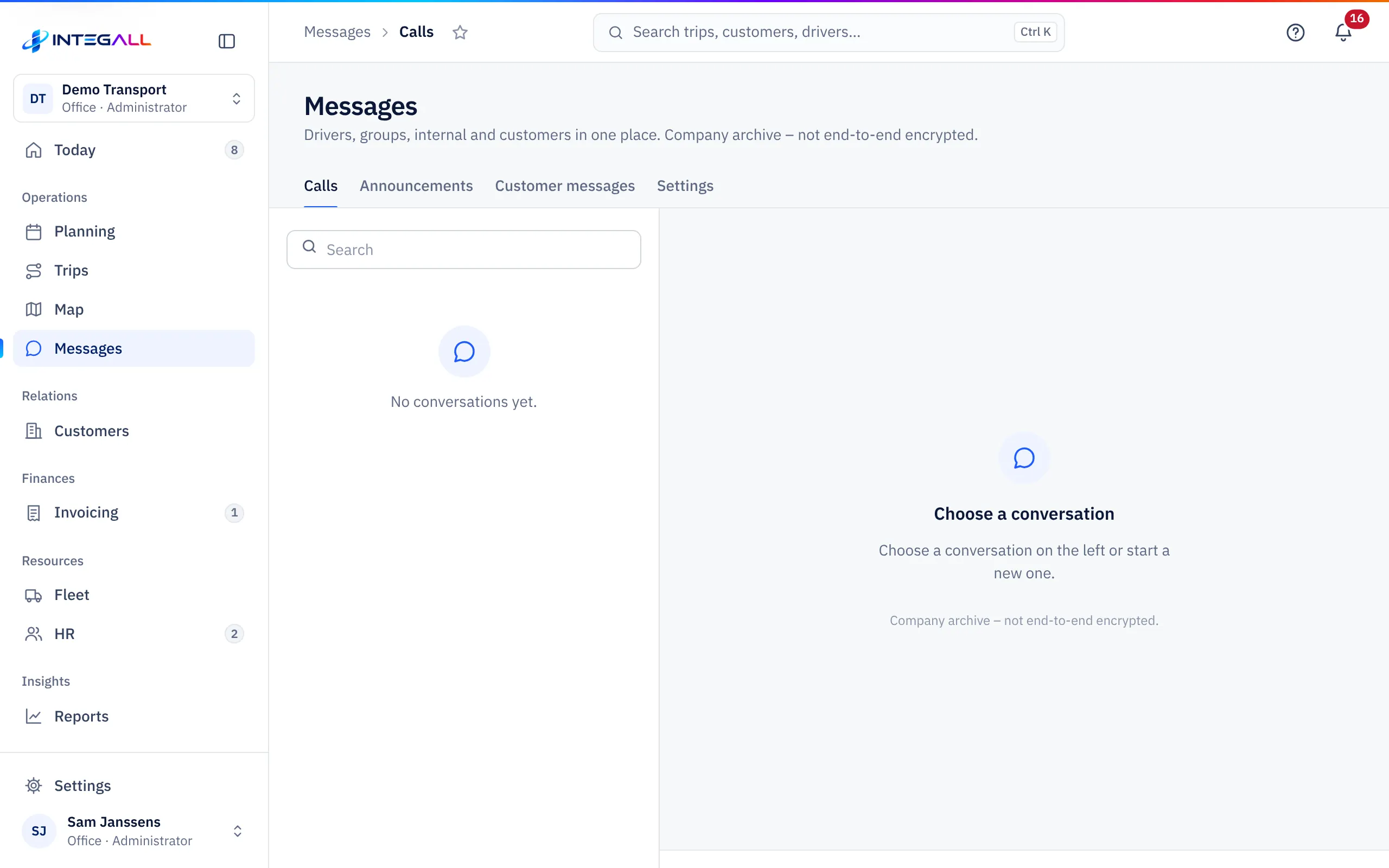
Messages brings drivers, groups, internal and customers together in one place. The tabs are Calls, Announcements, Customer messages and Settings.
Conversations#
On the left are the conversations, with Search and the filters Unread, Drivers, Groups, Internal and Customers. On the right the chosen conversation.
A new conversation#
- New conversation: with one driver or colleague.
- New group: a Free group, a group By trip or By vehicle.
- Internal conversation (office): only with office colleagues.
- Broadcast to drivers: to All drivers with the app or to Selected drivers. Every driver gets the message in their own conversation; replies come back separately.
What you can send#
Text, an Attachment or Document, a Voice message, your Location or a Live location (you choose for how long), and Quick replies. With Schedule you send a message later; scheduled messages are under Scheduled messages.
For a message you can Reply, Edit, Copy, Pin or Delete for everyone. The company archive keeps the original of a deleted message. Read by shows who read the message.
Without a connection, messages wait and are sent later (waiting for connection).
Calls through the app#
With Call in a conversation you call a driver for free through the app. The call runs directly and encrypted between both devices and is not recorded.
- An incoming call shows Answer and Reject; during the call Microphone off and Hang up.
- When a driver calls the office, the call goes to the office; if a colleague answers, you see A colleague answered.
- A missed call appears in the conversation as Missed call.
Your browser asks for access to the microphone. Without access you see: No access to the microphone. Allow the microphone for this website.
If you see Calling via the app is not enabled yet., calling has not been switched on for your company yet.
SOS alerts#
A driver can send an SOS in the app. The office immediately gets an alarm with their location, trip and vehicle. The conversation shows SOS – help requested; choose Confirm so the driver sees the office has seen it, and Close once the situation is resolved.
Announcements#
With Announcements you send an announcement to all drivers or to one driver. The message appears at the top of their app until they mark it as read. Handy for new procedures, loading instructions or urgent information.
Customer messages#
Customer messages holds questions from customers through the customer portal. Filters: Waiting for us, My conversations, Open, Closed and All. With + New conversation you start a conversation with a customer yourself.
An Internal note (customer does not see this) always stays within your company. The customer gets an e-mail with only the subject and a link; they read the content in the portal.
Settings#
Under Messages › Settings you set the retention period, the quick replies and the notifications, and you see the access log.
INTEGALL AI#
If INTEGALL AI is on, Draft with INTEGALL AI drafts a reply to a customer. You adjust and send yourself.